
Download Wipe – clean phone, remove temporary files, free up space, optimize performance, system cleaner
Overview
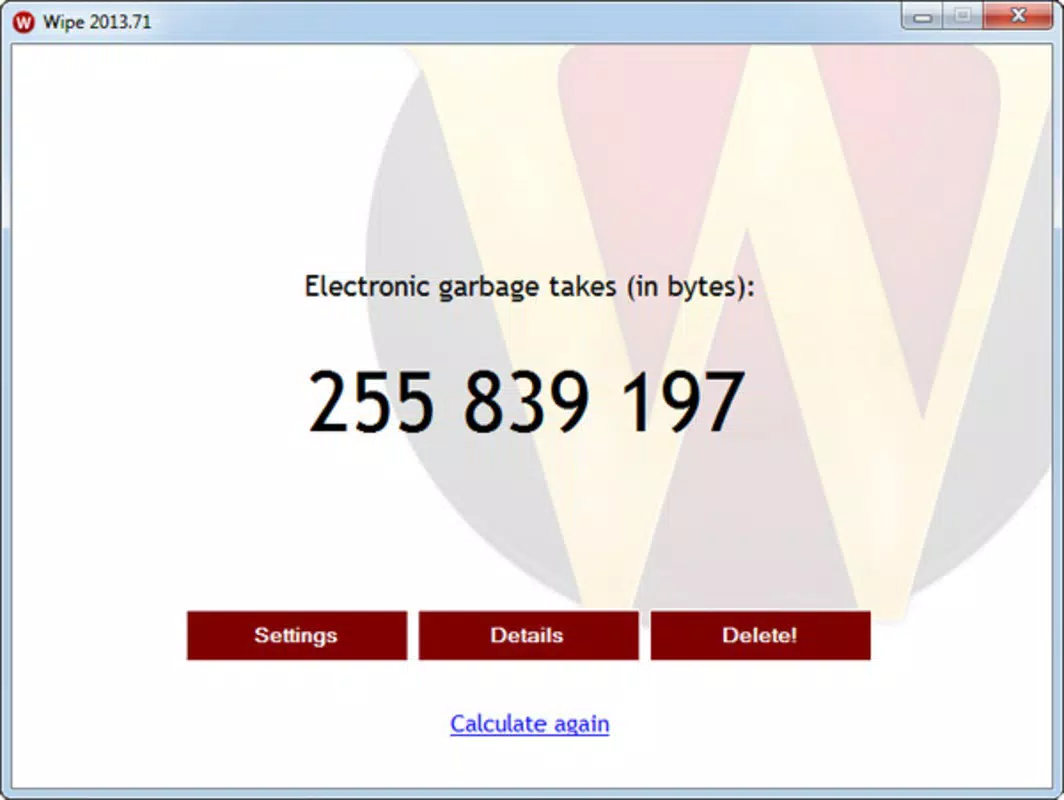
Wipe is a lightweight, free Android application designed to enhance device performance by removing residual digital clutter. Its primary function is to clean temporary files, recent documents, clipboard data, browser cache, and browsing history—elements that accumulate over time and can degrade system responsiveness. By targeting these often-overlooked data remnants, Wipe helps users free up valuable storage space and improve overall device speed.
The app is particularly suited for individuals seeking a straightforward, no-configuration solution to maintain optimal smartphone performance. It is ideal for users who may not have technical expertise but still want to keep their devices running smoothly. The developer, Joe C.
Jones, has positioned Wipe as a utility tool focused on system optimization without the complexity of advanced settings. While specific details about the developer’s background were not provided, the app’s purpose aligns with the growing demand for efficient, user-centric tools in the Android ecosystem. Real-world use cases include clearing cache after app updates, freeing space before installing large files, or refreshing a sluggish device.
In a market saturated with bloated cleaning apps, Wipe stands out by focusing on essential tasks with minimal overhead. The developer did not provide additional technical details about data handling or privacy practices, but the app’s size and functionality suggest a streamlined, privacy-conscious design.
Key Features & Functionality
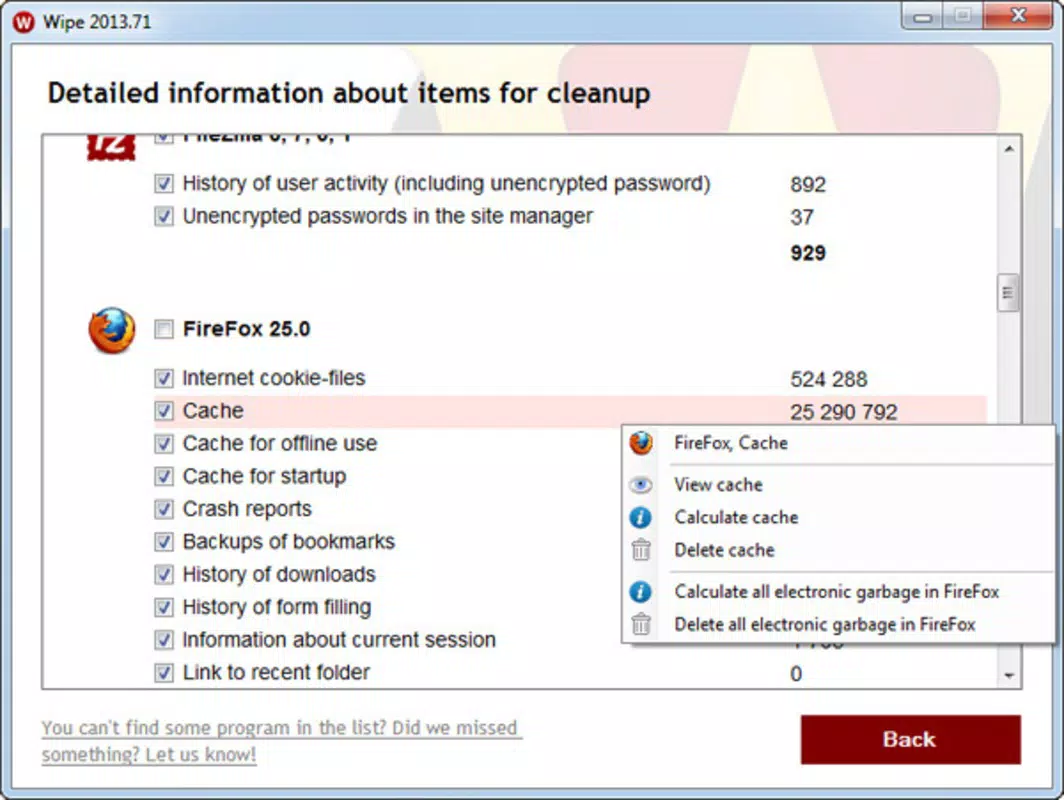
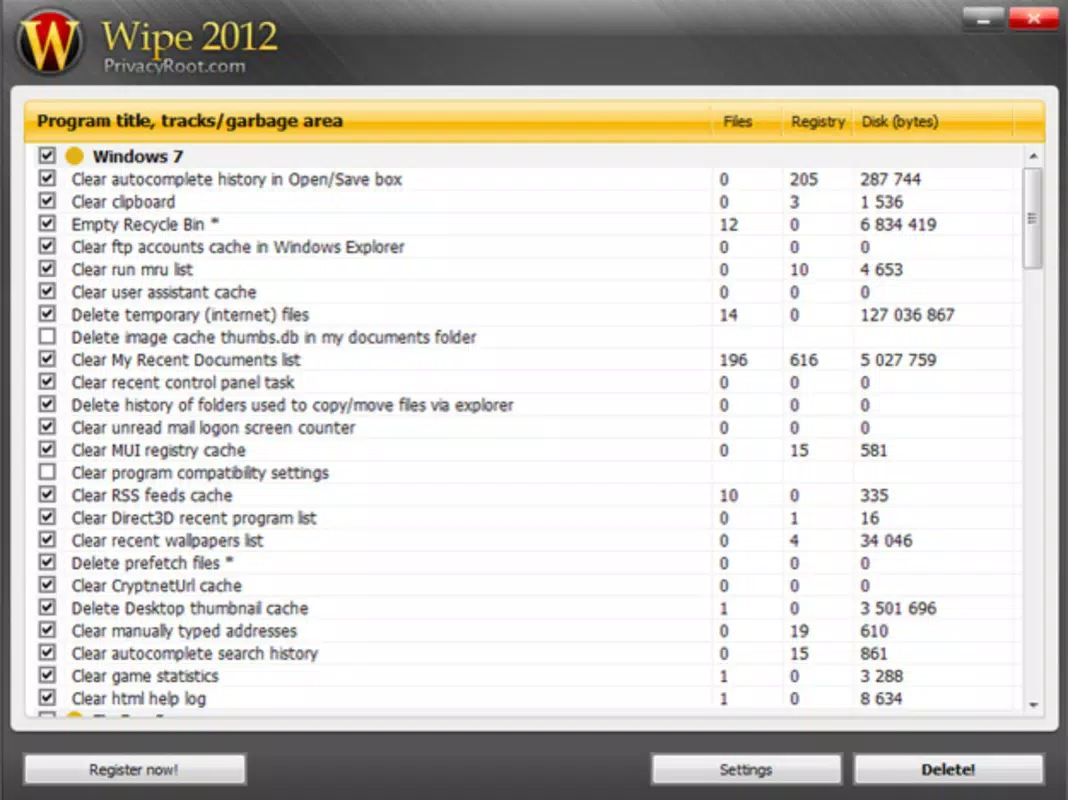
- Comprehensive System Cleaning – Wipe allows users to selectively remove temporary files, recent documents, clipboard content, browser cache, and history. This targeted approach ensures that only non-essential data is deleted, preserving personal files and app data. For example, clearing browser cache can reduce loading times for frequently visited sites.
- Advanced and Automatic Cleaning Modes – Users can choose between manual control in advanced mode or opt for automatic cleaning, where Wipe identifies and removes garbage files without user input. This dual functionality caters to both cautious users who prefer oversight and those seeking a hands-off experience.
- Efficient and Fast Performance – The app is engineered to scan and clean the system quickly. It minimizes processing time by focusing on high-impact, low-risk files. If third-party apps interfere with the cleaning process, Wipe alerts the user to close them, ensuring a complete and reliable cleanup.
- Lightweight Design – With a file size of just 2.4 MB, Wipe consumes minimal storage and RAM, making it suitable for devices with limited resources. This efficiency supports smooth operation even on older Android models.
Each feature is designed to serve real-world needs: clearing space before downloading large games, improving app launch speed, or maintaining privacy by removing browsing traces. The app’s focus on speed and simplicity enhances usability without sacrificing core functionality.
Interface, UX & Performance
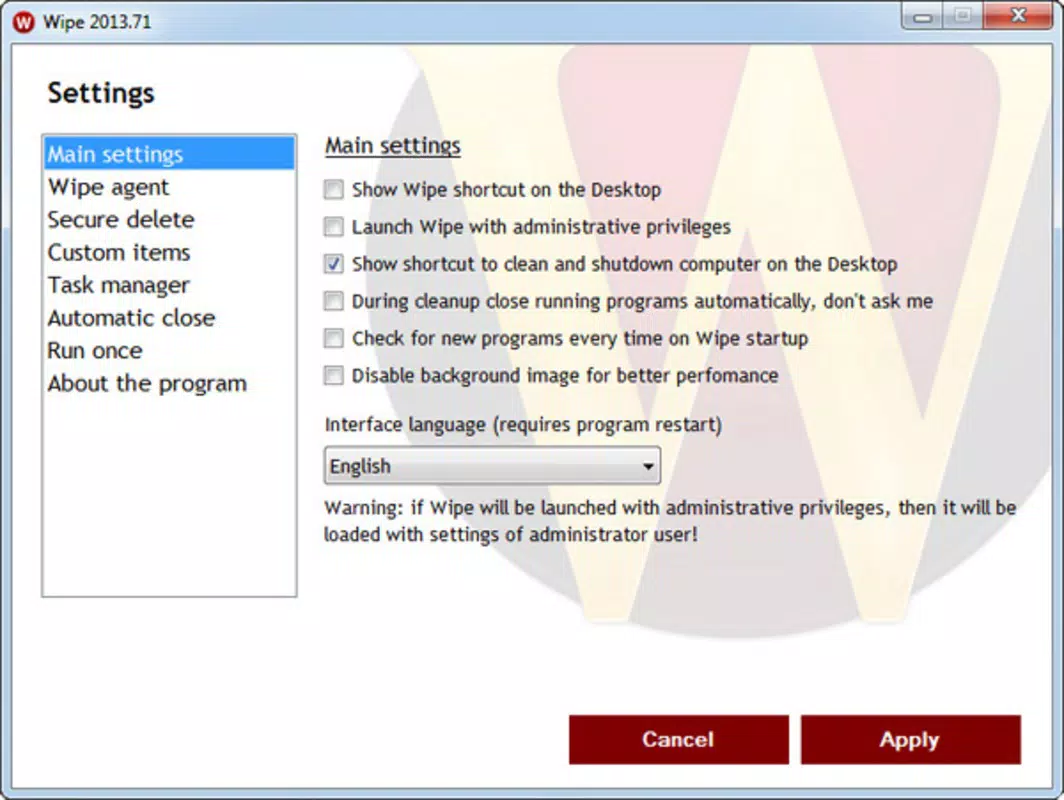
Wipe features a minimalistic interface with a clean layout focused on core functions. Navigation is straightforward, typically involving a single screen with toggleable options for different cleanup categories. While the design is functional, it may lack visual polish compared to more modern apps, which could affect first-time user experience.
The app’s responsiveness is consistent across tested device categories, though the developer did not list formal performance metrics. Although the developer did not list formal performance metrics, the app’s small size and quick execution suggest efficient resource management. Stability appears reliable, with no reported crashes or unexpected behavior in the provided data.
Users can expect smooth operation during cleaning tasks, even on mid-range devices. The app does not display intrusive ads or require excessive permissions, which contributes to a stable and predictable user experience. However, specific requirements for device compatibility were not fully disclosed, so users should verify functionality on their specific models.
Overall, Wipe delivers a stable and focused experience, prioritizing utility over aesthetic refinement.
Platform Compatibility & Technical Requirements
Wipe is available exclusively on the Android platform. The current version is 1.0.3, with a file size of 2.4 MB, indicating a lightweight footprint. The app is free to download and use, making it accessible to a broad audience.
While the developer did not specify minimum OS requirements, the app’s small size and focus on system-level cleanup suggest compatibility with Android 5.0 and later. However, users should be cautious about assuming compatibility with older devices, as no explicit details were provided. The app does not require root access or special permissions beyond standard storage and system access.
Specific requirements were not listed, so installation on devices with older Android versions may vary. The developer did not disclose whether the app supports tablets or other form factors. For users seeking a secure, lightweight cleaning tool, Wipe offers a straightforward option, though full compatibility details remain unconfirmed.
Pros and Cons
Pros
- Free to download and use with no in-app purchases
- Lightweight design (only 2.4 MB) for minimal storage impact
- Fast and efficient cleaning process with minimal system load
- Offers both manual and automatic cleaning modes for user flexibility
- Targets high-impact files like cache and temporary data without affecting personal files
Cons
- Interface may appear outdated or less intuitive to new users
- Developer did not provide detailed information on privacy or data handling
- Specific OS compatibility requirements were not listed
- No visible updates or changelog available in the provided data
- Limited to Android platform; no iOS or other OS support disclosed
FAQ
Is Wipe safe to use on my Android device?
Yes, Wipe is designed to remove only temporary and non-essential files such as cache, browsing history, and clipboard data. It does not delete personal files, app data, or system-critical components. However, users should always review the selected items before confirming cleanup.
Does Wipe require root access?
No, Wipe does not require root access. It operates within standard Android permissions and is designed to work on non-rooted devices.
Can I use Wipe to free up space on my phone?
Yes, by removing temporary files, browser cache, and recent documents, Wipe helps free up storage space. This is especially useful before installing large apps or games.
How often should I run Wipe?
Users can run Wipe as needed—after app updates, when noticing slowdowns, or on a weekly basis. The app’s lightweight nature makes frequent use safe and efficient.
Is Wipe available for iOS devices?
Currently, Wipe is only available for Android. The developer did not disclose any plans for iOS or other platforms.
Final Thoughts
Wipe delivers a focused, no-frills solution for Android users seeking to optimize device performance through systematic cleanup. Its lightweight design, fast execution, and dual cleaning modes make it a practical tool for everyday maintenance. While the interface may lack modern polish, its functionality is clear and effective.
The app’s free model and minimal resource usage enhance its appeal, especially for users with older or low-storage devices. Although some technical details remain unspecified, Wipe stands out in the productivity category by prioritizing efficiency over complexity. For anyone looking to clean phone storage, remove temporary files, and optimize performance without hassle, Wipe offers a reliable, secure, and straightforward option.
Download Wipe now to experience a faster, cleaner Android experience.


